

This has been a very promising project so we can have a browser written from scratch that is efficient and follows web standards. Currently I run Firefox, but they’ve had a far left liberal, sexual deviant problem in their management which gives me pause for it being my long term browser, though currently with tweaks and extensions is very secure. I keep Brave Origin as a backup, but they’re been pretty shady with some of their moves like stealing referrals and the whole crypto shenanigans… And running Google’s Chrome is a non-starter, as the company that dropped the “don’t be evil” guideline has embraced being evil as they lock down Android and try to sabotage opensource versions of Android… For those of us that haven’t bought into the hype of AI information control and censorship, being able to browse and use the internet looks like it has a promising future.
https://www.omgubuntu.co.uk/2026/11/ladybird-browser-enters-alpha

By Joey Sneddon
Building a new web browser around a rendering engine written from scratch is no mean feat, but after four years of effort, Ladybird has finally reached alpha, with Linux and macOS builds available for testing.
The Ladybird alpha is billed as a ‘modest, but functional’ testing release. The team say some websites won’t work, others may crash and they ‘make no promises about security’. Given the formative nature, no-one should rely on it as a full-time daily driver.
Ladybird’s browser engine is entirely independent, being neither fork nor derivative of the dominant web engine Blink (Chrome, Edge, Vivaldi, Brave, etc). It’s also not based on WebKit (Safari) or Gecko (Firefox).
“HTML, CSS, the DOM, layout, JavaScript and WebAssembly are all implemented from scratch”, according to the project GitHub.
The goal is to provide a modern engine that supports web standards, but whose development and direction aren’t steered by or reliant on commercial interests. Work is funded by donations and sponsorships, rather than search deals and user-monetisation.
Earlier this year Ladybird announced it was adopting Rust for memory safety, with porting from C++ done with “human-directed” AI coding tools.
Ladybird alpha covers the essentials

Features-wise, the initial alpha covers the core browsing essentials.
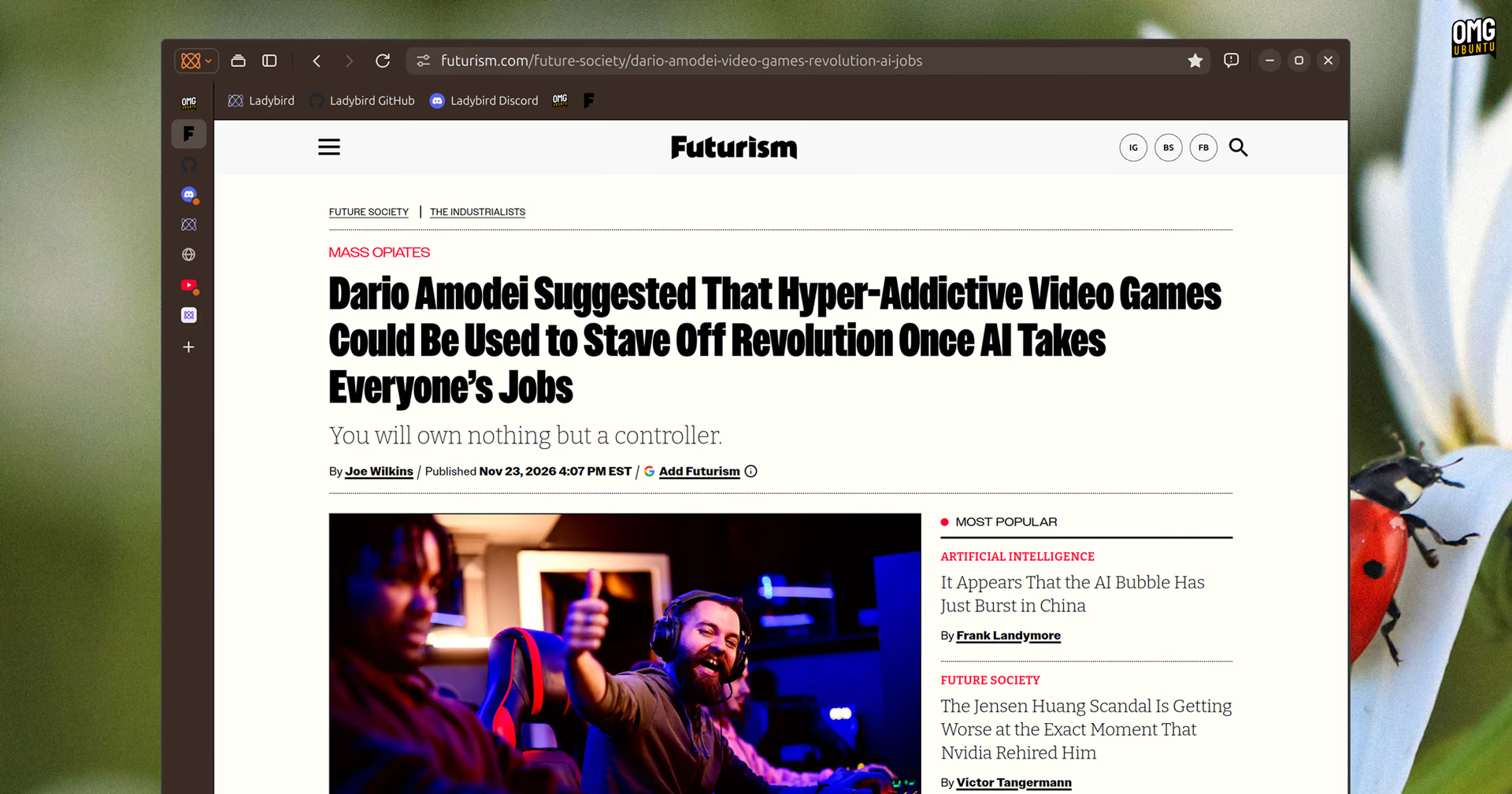
The tab strip is along the top of the window by default. Vertical tabs can be enabled too, with tabs and address bar at the side, or just tabs. The appearance settings is well stocked, even offering a toggle to force dark mode on websites that lack it.
There’s no ‘new tab’ page to speak of (no speed dial of shortcuts, search box, background wallpapers, rage-bait content suggestions and so on) but you can set new tabs to open on a specific website. I increasingly find I prefer a less chaotic springboard.
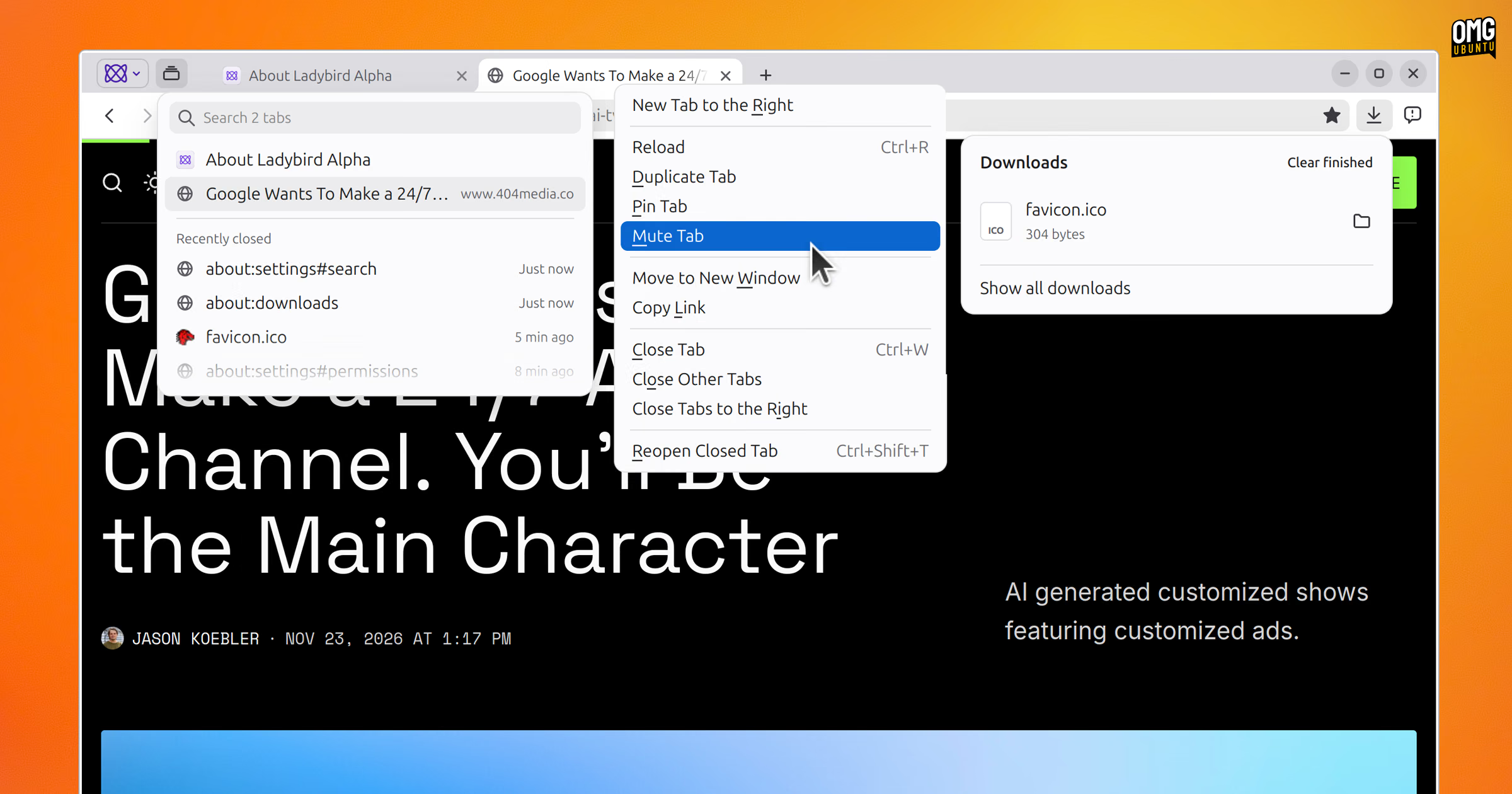
Other features like bookmarking, history and searching through open tabs are hooked up and work well. You can manage per-site settings, notifications and manage downloads from a dedicated toolbar panel.
If you’re used to making web searches from the address bar directly, you need to pick a search engine, as Ladybird doesn’t set one by default. It offers plenty of options, including Google, DuckDuckGo, Ecosia and Kagi Search.
A built-in content blocker is provided, handy given there’s no extension system to speak of, nor an option to import data from other browsers either. It’s too early for those. Don’t expect to stream Spotify or Netflix through this. Even 480p YouTube was choppy for me.
Web developers are catered for as Ladybird alpha supports WebDriver for automated testing and the Firefox DevTools protocol.
Why bother building a new browser?
Is building a new browser to push back against Chromium even worth it in 2026, when some are writing the web off entirely, as AI chatbots and agentic tools replace traditional human-to-human connection?
It ain’t easy, that’s for sure
Kagi’s Orion for Linux was axed last month, after over a year of development effort. That was built atop WebKitGTK. Ladybird faces the same challenges, but with the added burden of developing, maintaining and securing its own engine.
But as someone who has been writing a blog for 16 years, even with the flames licking at my fingers each day I type THIS IS FINE, I’m willing to believe the chatbot class who say the web isn’t dead.
Ladybird has a long way to go. It mightn’t become most people’s default browser. It doesn’t need to; rivalling Chromium means keeping alive the notion of a messy, unfiltered internet made for humans, rather than a commodity node for an extractive AI ecosystem.
It’s certainly attracting backers. The sponsorship plate includes Proton, Cloudflare and Shopify, Mitchell Hashimoto (of Ghostty fame) and, more controversially, gets funding from 37signals, the company co-owned by DHH.
Install Ladybird (Alpha) on Ubuntu
You can download Ladybird from the project website. It provides installers for macOS (Apple Silicon only) and Linux (x86-64 and Arm64), the latter as a Flatpak (.flatpakref).
Ubuntu users can install Ladybird from an apt repository on 24.04 LTS and 26.04 LTS. This provides a traditional Debian package, and future updates are delivered through the Software Updater.
First import the Ladybird apt repo keyring:
sudo wget -qO /etc/apt/keyrings/ladybird.asc 'https://apt.ladybird.org/ladybird.asc'
On Ubuntu 26.04 LTS run:
sudo wget -qO /etc/apt/sources.list.d/ladybird.sources 'https://apt.ladybird.org/ladybird-resolute.sources'
On Ubuntu 24.04 LTS (or Linux Mint 22.x) run:
sudo wget -qO /etc/apt/sources.list.d/ladybird.sources 'https://apt.ladybird.org/ladybird-noble.sources'
Finally, install Ladybird:
sudo apt update && sudo apt install ladybird
Then open from your application menu.